
To be able to use Beefinity as article source within Typical Manager you need to give an API key in: System >> Option
Choose article source 'Beefinity'.
Give an valid API key (this can be generated in the Beefinity application).
Click Validate to check if the connection will succeed.
After this, it's possible to choose in which language Article properties must be retrieved.
Browse for articles
Once connected to a Beefinity database when hitting the browse for articles dots (..) Beefinity will open instead of an popup-window with your local stored articles.
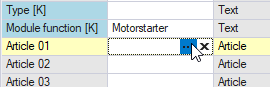
When you have connected to Beefinity it is possible to use articles from your Beefinity database in Typical Manager. To do so, drag-drop articles into article fields in Typical Manager:
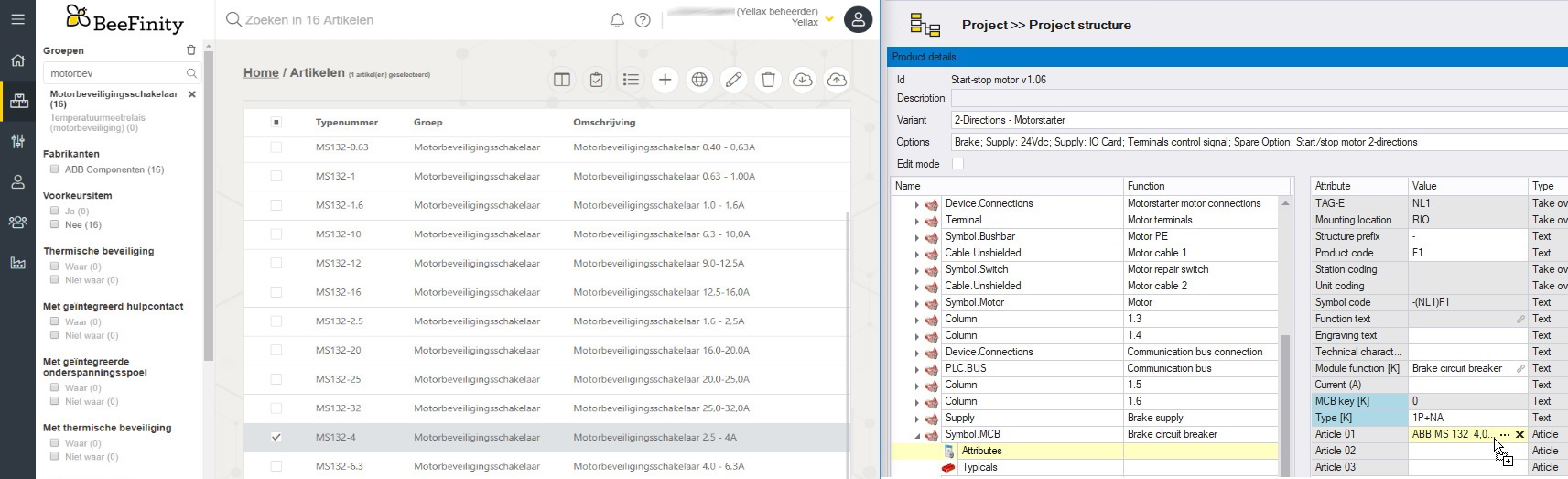
This will then get the article data using Beefinity, and import those into Typical Manager